iPhone & iPad
View HTML files locally.
Sitecase opens, renders and searches HTML files right on your device — with JavaScript, CSS and a source view. No server, no account, no tracking.

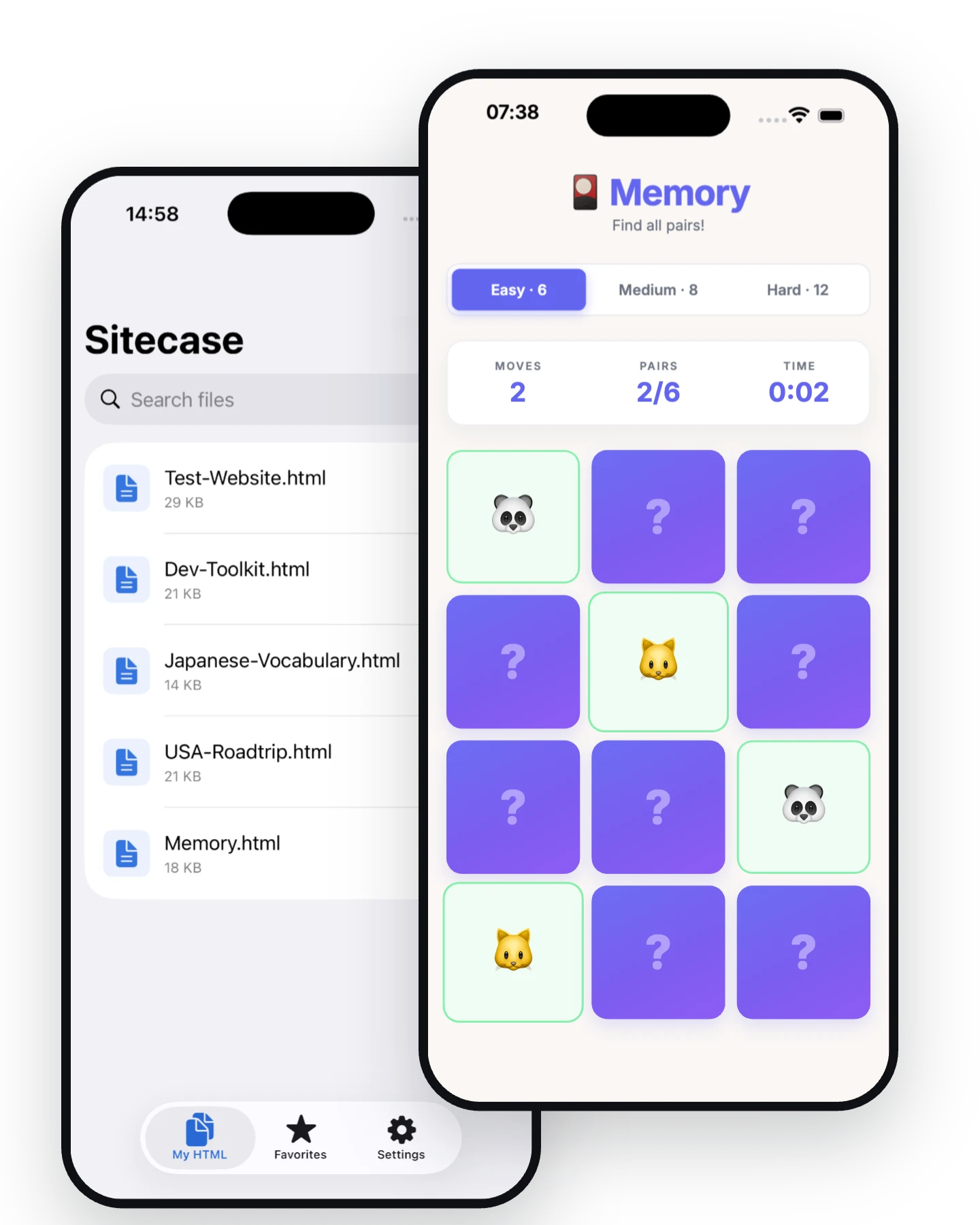
iPhone & iPad
Sitecase opens, renders and searches HTML files right on your device — with JavaScript, CSS and a source view. No server, no account, no tracking.
Features
For web developers, students, teachers and anyone who wants to view HTML on the go — from a single file to a complete project.
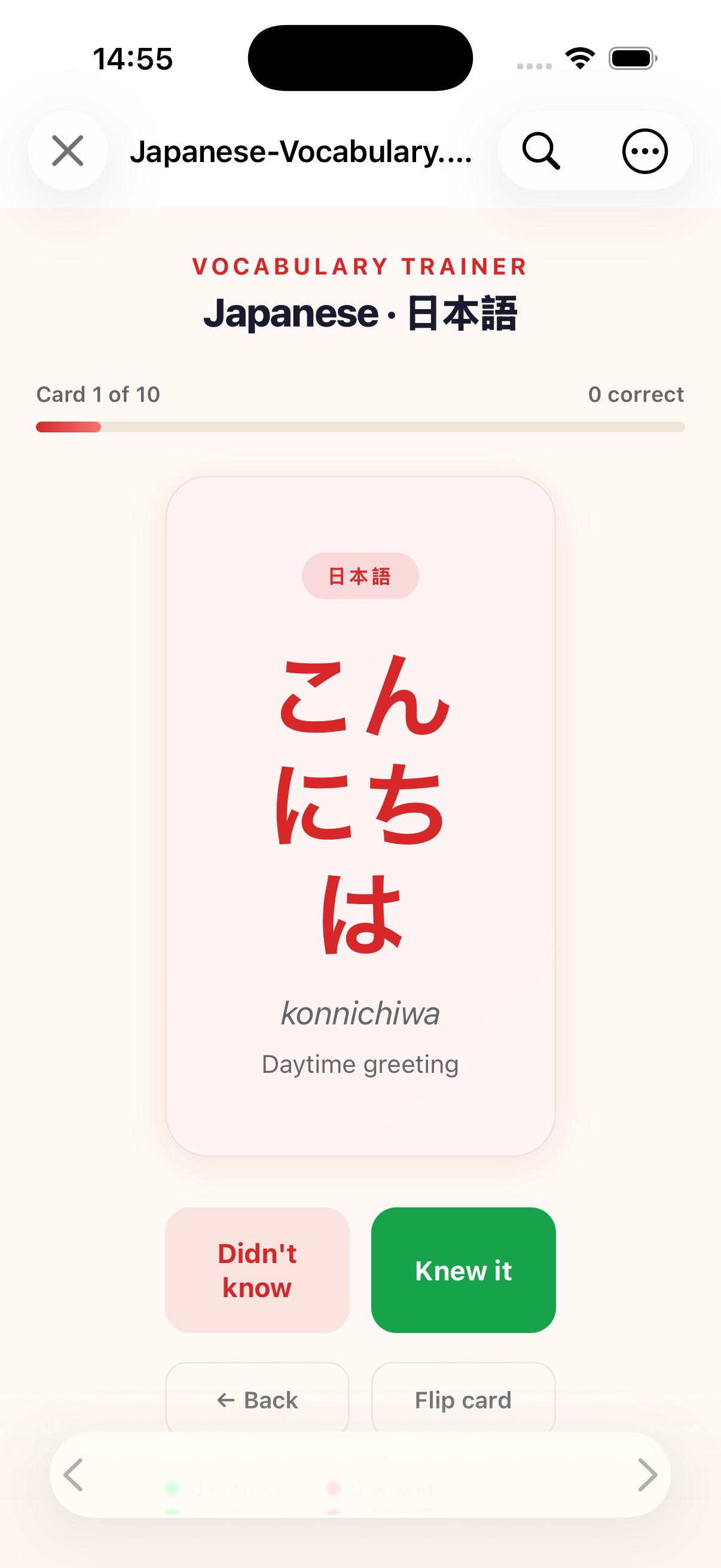
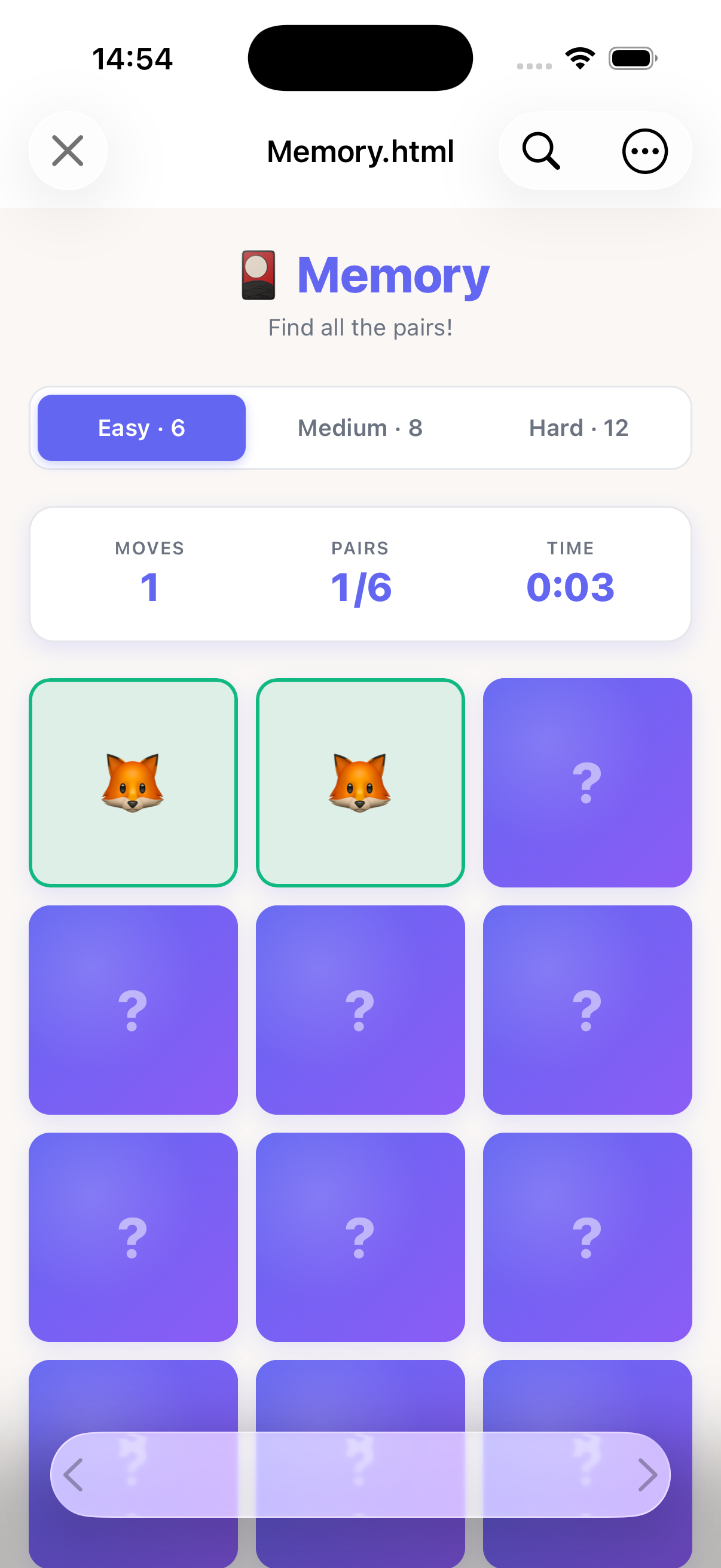
HTML, CSS and JavaScript render in full — calculators, games and prototypes run natively.
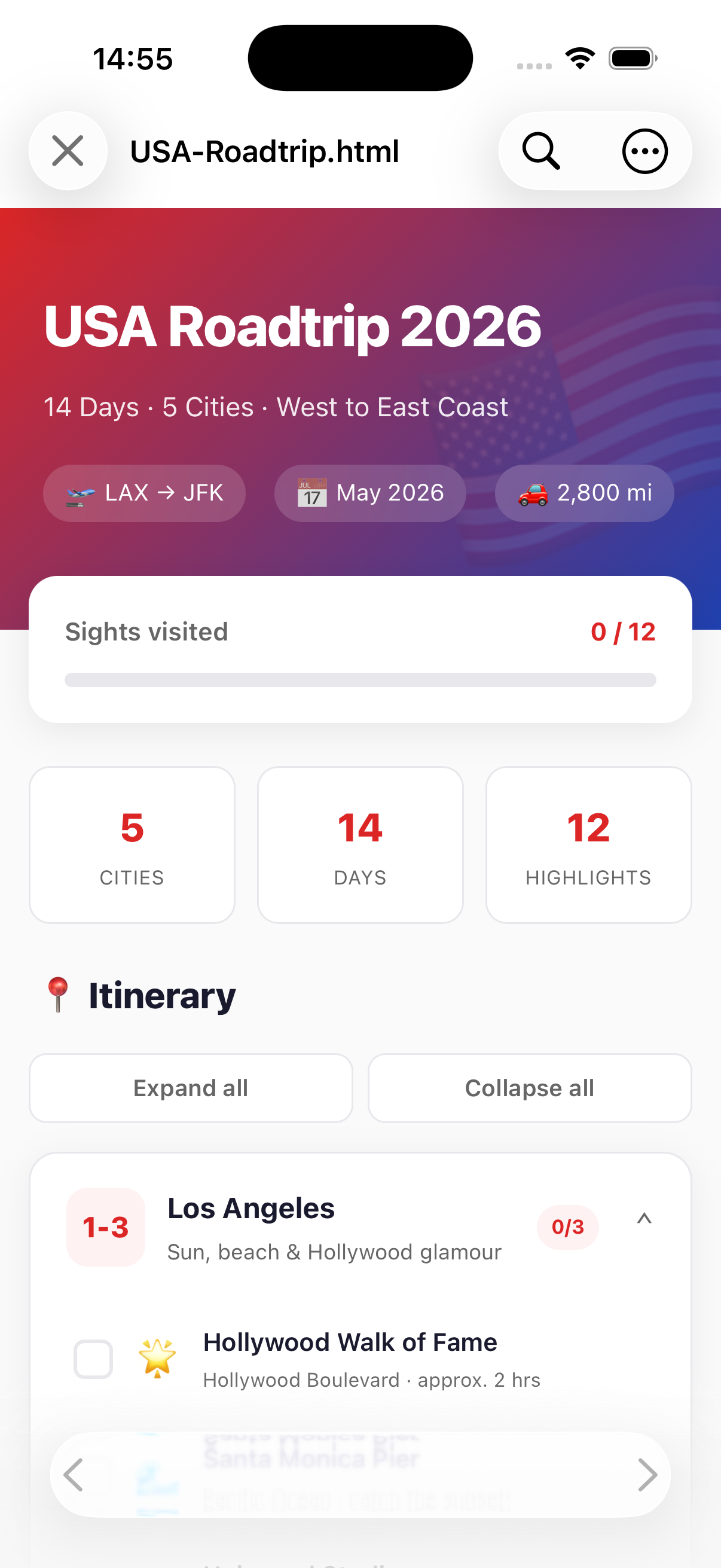
Open complete projects made of multiple files – with images, CSS and JavaScript.
Grid, flexbox, animations and web fonts are rendered pixel-perfect.
Read any file with syntax highlighting — without leaving the viewer.
Full-text search inside the open file, with matches highlighted.
Follows the system or stays fixed — right for any setting.
Pinch-to-zoom on every page, plus a fixed default zoom level Pro
Pin the files and folders you use often and reopen them in one tap.
Via the Files app or the share sheet of other apps.
Turn network access on or off at any time. With Pro, JavaScript can be turned off too.
Open saved files directly — also as an icon on your Home Screen.
Usable without a connection — on a plane, on a train or with no signal at all.
Screenshots
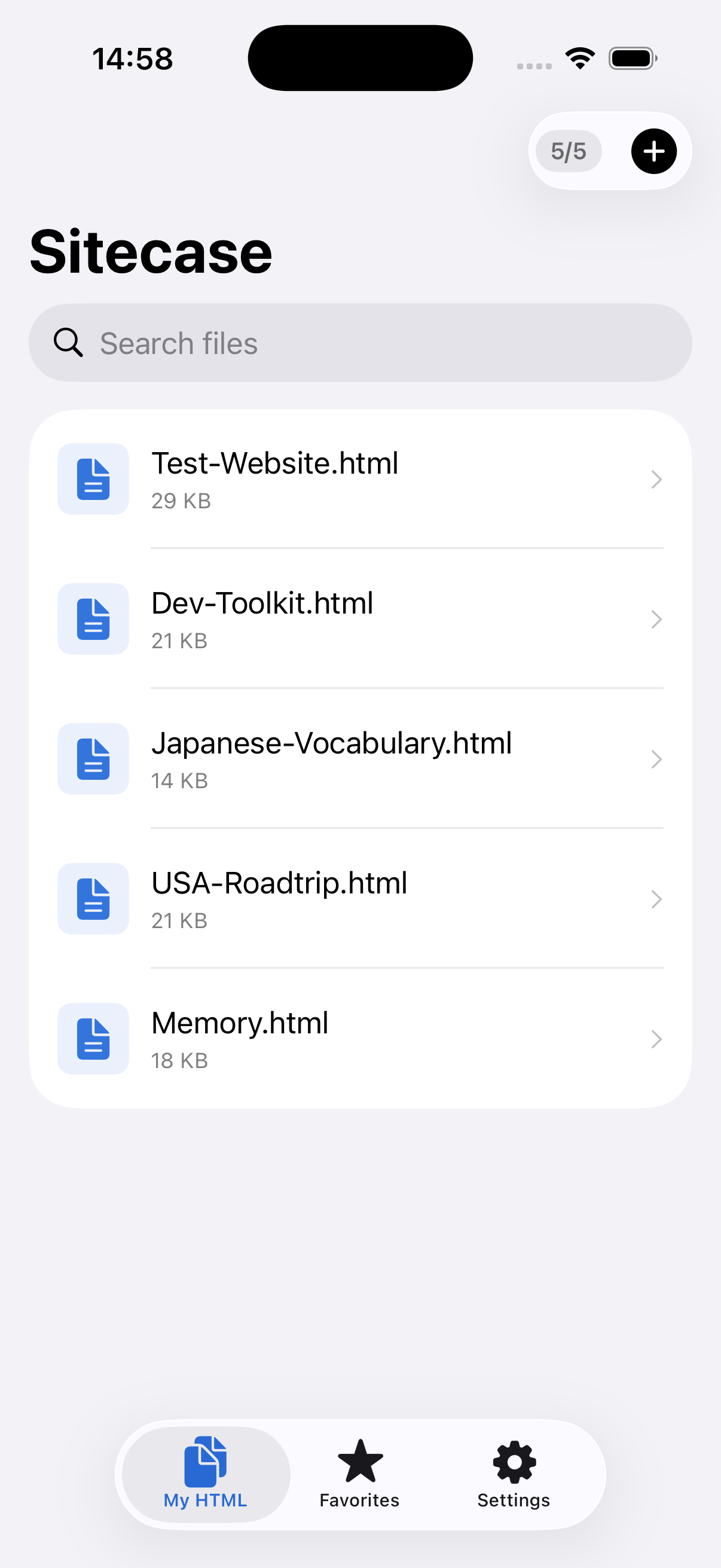
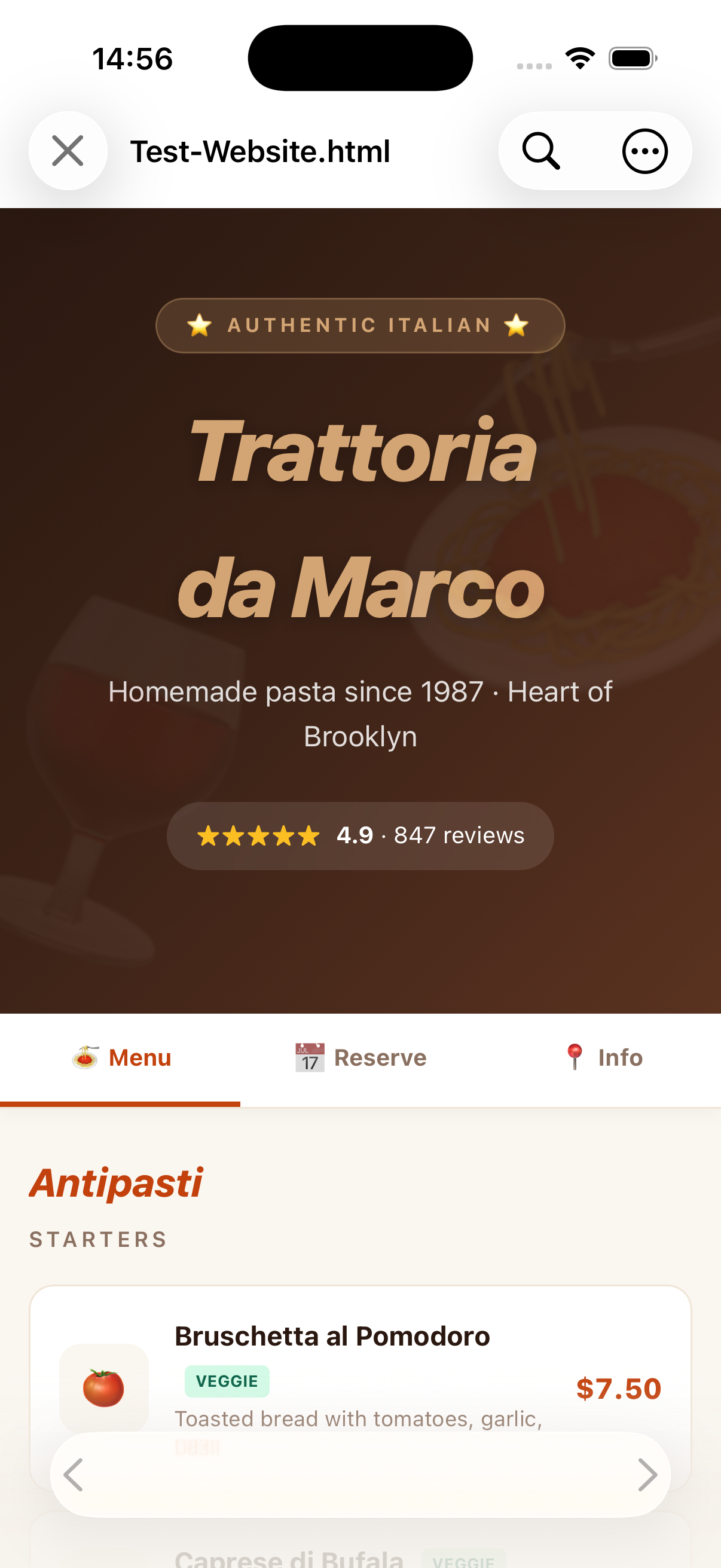
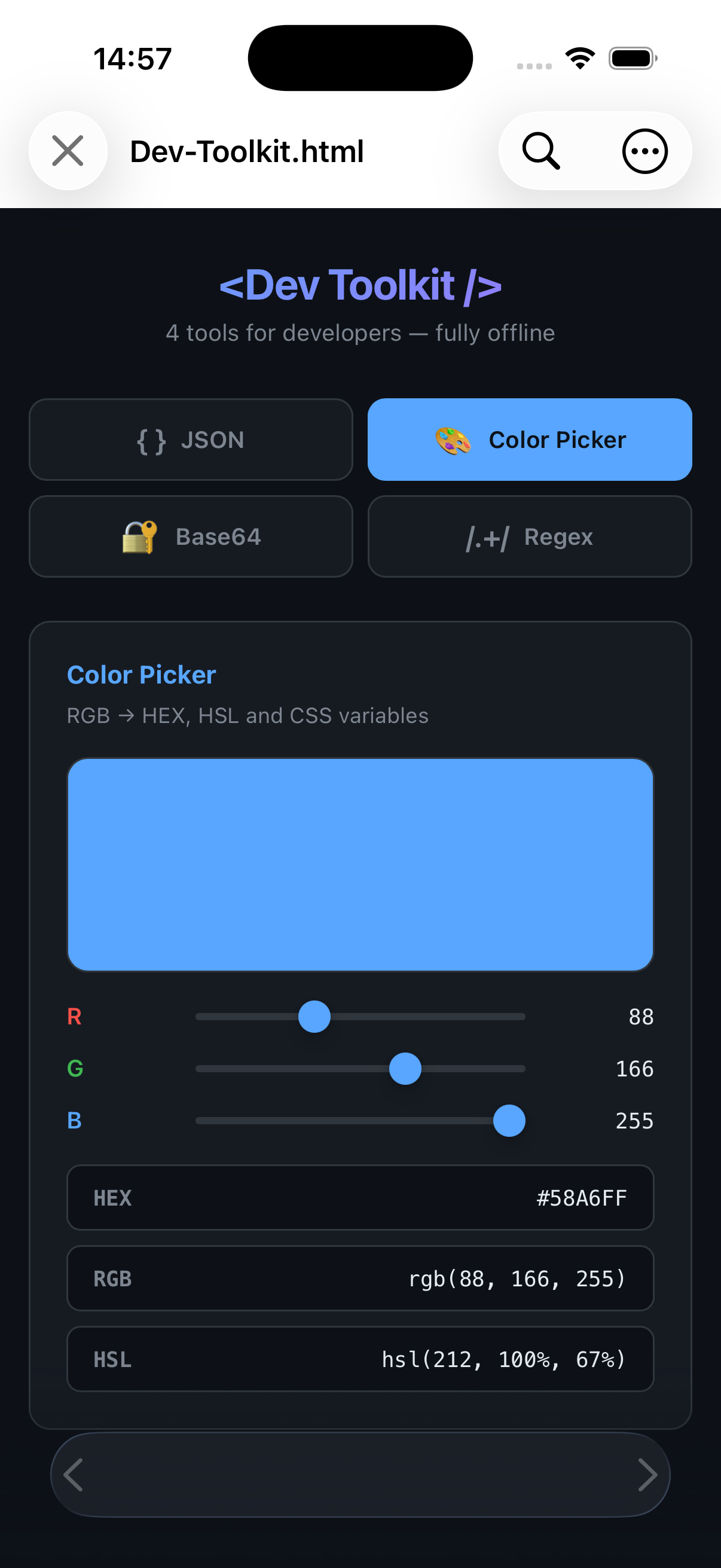
Documentation, flashcards, travel plans, prototypes, small games — all as plain HTML files.
Privacy
Sitecase doesn’t need a cloud to display HTML. So there isn’t one.
Every file is opened and rendered locally. There is no backend anything could be sent to.
No analytics, no ad IDs, no cookies from us. We don’t know which files you open.
Your files stay where you put them — protected by the iOS sandbox and encryption.
FAQ
HTML files together with their CSS, JavaScript, images and fonts. Whole folders with multiple pages can be opened and linked to each other.
No. Sitecase renders fully offline. A connection is only needed if a page itself loads external content.
Via the Files app or the share sheet of other apps.
Yes. Scripts execute in the viewer — from simple counters to complete games and prototypes.
Sitecase is free to use. The optional in-app purchase adds opening entire folders with multiple files, a source view with syntax highlighting, text search, favorites, an adjustable zoom level and turning off JavaScript.
No. There are no servers, no account and no analysis. Everything stays on device.